Generate and edit images with GPT Image 2
GPT Image 2 Studio is the place to generate, edit, and polish images directly in your browser. Turn prompts and reference images into usable visuals without extra setup.
Start with a prompt or reference image, then keep refining the same result until it is ready to use.
Try GPT Image 2 first
Start with a prompt and get a first result on the homepage. Open the full workspace when you need references or deeper controls.
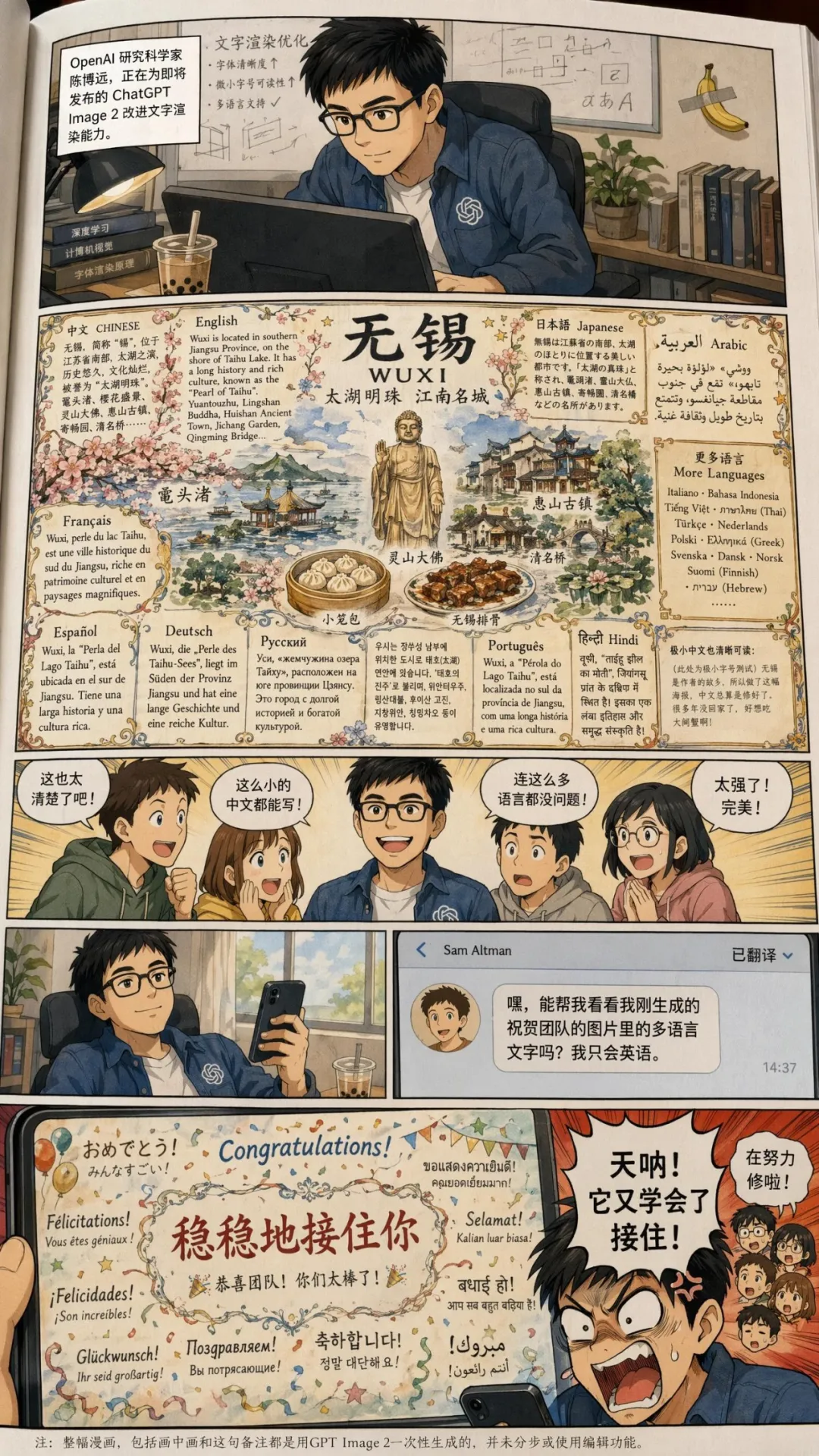
What GPT Image 2 Studio highlights
The product focuses on the actions people actually need: generate a draft, make edits, refine details, and export the result without bouncing between tools.
Text-to-image generation
Start from a prompt and generate a first draft quickly.
Image editing
Use an existing image, add instructions, and refine specific parts.
Multi-turn refinement
Keep the conversation going and improve the same image over several turns.
High-fidelity reference edits
Preserve useful details from faces, logos, and source images while making changes.
Why people keep using GPT Image 2
Useful when you want image generation that is practical, editable, and easy to keep improving.

Core capabilities
GPT Image 2 is built around the controls people reach for most often in real image work.
Text-to-image generation
Create images directly from prompts.
Image editing
Update existing images with new instructions and references.
Multi-turn refinement
Iterate over several turns without starting over.
Size, quality, and background controls
Choose the ratio, quality, output format, and background mode that fit your channel or design task.
Reference-friendly inputs
Preserve useful details from input images, including faces and logos, with high fidelity.
Multiple outputs in one run
Generate more than one option in the full workspace when you want variations to compare.
Frequently asked questions
Quick answers about the product and how to use it.
Start creating with GPT Image 2
Open the generator, add a prompt or reference image, and create usable visuals in a few steps.